How to track SEO results: a step-by-step guide
Learn how to track SEO results with Google Search Console, GA4 and a rank tracker. Which metrics matter, how often to check, and how to report them.

To track SEO results, use Google Search Console to measure impressions, clicks, click-through rate and average position, then use GA4 to see organic visits and conversions. Check them monthly against a baseline, because rankings alone are not success: what counts is whether search brings leads or sales.
SEO tracking is the process of measuring how visible your website is in search, how many people click through, and what value that traffic brings, so you can see which content works.
At a glance
- Search Console’s Performance report shows clicks, impressions, CTR and average position, and the data can be exported for longer-term storage.
- Search Console only keeps 16 months of data, according to The SEO Handbook, so export it regularly to keep a long-term record.
- Impressions, position and clicks have official definitions in Google’s Search Console Help.
- SEO usually takes three to six months to build, so judge trends over months, not days.
- Google Search Console and GA4 are both free.
What does it mean to track SEO results?
Tracking SEO results means measuring visibility, clicks and business value over time, not just checking whether you are on page one. We think of it as a chain where each link depends on the one before it. Visibility comes first, then clicks, then value.
The Visibility, Clicks, Value chain
- Visibility: how often your pages appear in search results, and roughly where.
- Clicks: how many people choose your result and land on your site.
- Value: what those visitors do next, such as sending an enquiry, calling you or buying.
If you only watch the first link, you can feel pleased while nothing changes in the business. Watch only the last, and you will not know why leads rose or fell. Looking at all three shows where the chain is weak.
Why rankings alone mislead
A position number tells you very little by itself. Search results now carry features such as AI Overviews (AI-written summaries at the top of Google), which can answer a question without anyone clicking. That means a page can gain impressions while clicks stay flat. A ranking can look healthy while the traffic behind it shrinks, so always read position next to clicks.
Set realistic expectations
SEO takes three to six months to build. Daily moves up and down are mostly noise. Judge your work on trends across months, and that is why publishing regularly matters more than one perfect post.
Which tools do you need to track SEO results?
Start with two free tools, Google Search Console and GA4, then add a rank tracker or a reporting dashboard if you need more. Most small sites never need to go beyond the first two.
- Google Search Console: shows how your site appears in Google, including impressions, clicks, CTR and average position, by query and by page.
- GA4 (Google Analytics 4): shows what visitors do once they arrive, including organic sessions, engagement and conversions.
- A rank tracker: checks chosen keywords at set intervals, useful for watching a short list of priority terms.
- A reporting dashboard such as Looker Studio: pulls Search Console and GA4 into one report you can share.
How to connect Search Console to GA4
In GA4, open Admin, find Product links and choose Search Console links. Pick the property you manage, select your web data stream and confirm. You need access to both accounts. Once linked, you can view search queries alongside on-site behaviour.
Tracking for agencies
If you report to clients, a shared dashboard saves time, and you may want white-label reporting so the report carries your branding. Keep one Search Console property and one GA4 property per client site so the numbers never mix.
Rank Otter reports results from your own Google Search Console, not our estimates. Agencies can manage several client websites and choose between approving each article or full autopilot, which makes per-site tracking easier. Rank Otter is built by PS Website Design Ltd, a UK web and app development agency. We’ve built and looked after websites for UK businesses since 2009, and we use it on our own clients’ websites. You can see more on our features page.
What SEO metrics should you track?
Track a small set of metrics grouped as visibility (impressions, average position), clicks (organic clicks, CTR) and value (conversions, leads, revenue). Three clear KPIs beat twelve vague ones, so pick the few that match your goal.
Google’s help page on impressions, position and clicks gives the official definitions. In plain terms, an impression is your page appearing in a result, a click is someone choosing it, and position is the average place your result held for a query.
| Metric | What it tells you | Where to find it | Worked example |
|---|---|---|---|
| Impressions | How often you appeared | Search Console, Performance | 4,000 impressions in a month |
| Clicks | How many people visited from Google | Search Console, Performance | 120 clicks from those impressions |
| CTR | Clicks divided by impressions | Search Console, Performance | 120 ÷ 4,000 = 3% |
| Average position | Typical ranking for a query or page | Search Console, Performance | Position 8.4 across the month |
| Organic sessions | Visits from search in total | GA4, Traffic acquisition | 135 sessions from Organic Search |
| Conversions | Enquiries or sales from search | GA4, Key events | 6 form fills from 135 sessions, a 4.4% rate |
The figures above are illustrative, there to show the arithmetic rather than a benchmark.
Leading and lagging metrics
Impressions and average position are leading metrics: they move first. Clicks follow, and conversions and revenue lag behind. When a new article gains impressions in month two, that is an early sign worth noting even if leads have not arrived yet.
AI visibility as a newer metric
Being cited or mentioned in AI answers is an emerging measure. There is no single official report for it yet, so treat it as a manual check: ask the questions your customers ask and note whether your site is named. Also check that your robots.txt file is not blocking AI search tools, since a block would make you invisible there. For wider ideas, Semrush lists 18 SEO KPIs covering organic and AI search.
How do you set an SEO baseline before you start?
Record 3 to 6 months of current clicks, impressions, top pages and conversions before changing anything, so later results have something to be compared with. Without a baseline you can only guess whether things improved.
- Open Search Console and go to Performance, then Search results.
- Set the date range to the longest period you want to record.
- Turn on clicks, impressions, CTR and average position.
- Export the Queries and Pages tabs.
- Save the files in a shared folder with the date in the file name.
- Note organic sessions and key events in GA4 for the same period.
Separate branded from non-branded queries
Branded queries include your business name. They mostly show existing awareness. Non-branded queries, such as a service plus a town, show whether new people find you. Filter the Queries report with a query that does or does not contain your brand name and record both.
Allow for seasonality and updates
A garden business will dip in winter whatever you publish. Note busy and quiet seasons in your baseline, and jot down any known Google algorithm update dates so you do not mistake them for your own results.
Keep your data past 16 months
Search Console only keeps 16 months of data. Export a copy every month or quarter so you can compare year on year. A simple spreadsheet with one row per month is enough.
How do you track SEO results in Google Search Console?
Open the Performance report, choose clicks, impressions, CTR and position, set a date range and compare it with the previous period by page and query. The Performance report guide from Google explains each option.
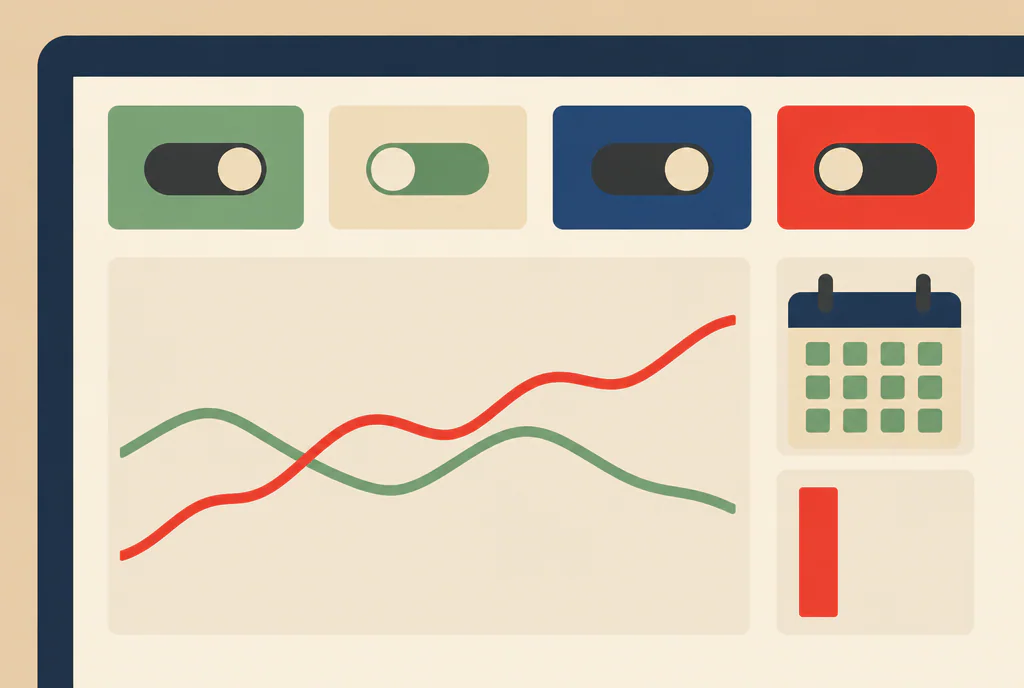
- Go to Performance, then Search results.
- Tick all four metrics so they show on the chart and table.
- Click Date, then Compare and choose the last three months against the three before.
- Switch between the Queries and Pages tabs to see what changed.
- Click Export to save a copy.
Judge a single new article
Add a Page filter and paste the article’s address. You will see impressions first, then clicks as Google tests the page. Be patient. Give it weeks, not days, before drawing conclusions.
Read average position with care
Average position blends every query a page appeared for. A page that starts showing for many new, loosely related searches can see its average position worsen while clicks rise. Look at position for individual queries, and always read it beside clicks.
How do you measure the value of SEO in GA4?
Filter GA4 to Organic Search, then look at landing pages, engagement and key events such as form fills or purchases to see what SEO is worth. This is where visibility becomes a business result.
Set up key events
Mark the actions that matter as key events in GA4: a contact form sent, a phone number tapped, a quote requested or a purchase. Without them, GA4 can count visits but not results.
Lead generation versus e-commerce
A service business tracks enquiries and may assign an average lead value, for example the typical worth of a won job multiplied by your closing rate. An online shop can use GA4’s purchase and revenue reporting directly. Either way, view the Landing page report with an Organic Search filter to see which pages bring the value.
How often should you review SEO results?
Review monthly, with a quarterly look at trends, because daily rank swings are noise and SEO takes three to six months to show. A fixed routine keeps you calm and consistent.
A monthly checklist
- Export Search Console data and save it.
- Compare clicks and impressions with last month and the baseline.
- Check branded against non-branded clicks.
- Review top landing pages and any new articles.
- Note organic sessions and key events in GA4.
- Check a few customer questions for AI mentions.
Is flat organic traffic a failure?
Not always. Flat traffic in the first few months is normal, and it can also mean you held steady through a seasonal dip. Check impressions: if they are rising, clicks often follow. If both are flat after six months of regular publishing, review your topics and page quality.
Spot the effect of regular publishing
Publishing regularly matters more than one perfect post. Write about the questions your customers actually ask, then track those pages in Search Console. Over several months you should see more pages earning impressions, then clicks. Want that publishing handled for you? Our pricing page sets out the plans, and your first article is free with no card needed. Get in touch with Rank Otter and we will help you get started.
Frequently asked questions
Is SEO still relevant in 2026?
Yes, SEO is still relevant in 2026 because people still search to find businesses and answers. The way results appear is changing, with AI summaries alongside normal listings, so tracking clicks and value matters more than rankings.
What is the 80/20 rule in SEO?
The 80/20 rule in SEO is the idea that a small share of your pages often brings most of your results. Search Console’s Pages report shows which pages those are, so you can protect and build on them.
What are the 3 C’s of SEO?
The 3 C’s of SEO are commonly given as content, code and credibility, meaning what you publish, how your site is built and how trusted it is. Different writers use slightly different versions, so treat it as a memory aid.
How long does it take to see SEO results?
SEO usually takes three to six months to build. You may see impressions rise earlier, but clicks and leads tend to follow later, so judge trends over months.
Can you track SEO results for free?
Yes, you can track SEO results for free, because Google Search Console and GA4 are both free. A rank tracker or paid dashboard is optional.
What is a good click-through rate in SEO?
A good click-through rate depends on position, query type and how many search features surround your result. Rather than chase a single figure, compare your own CTR month to month and against your baseline.
How do you track AI search visibility?
To track AI search visibility, ask AI assistants the questions your customers ask and record whether your site is mentioned or cited. Also check that your robots.txt file is not blocking AI search tools.
Why has my organic traffic dropped?
Organic traffic can drop because of seasonality, a Google update, lost rankings, technical problems or AI answers reducing clicks. Compare Search Console impressions, clicks and position by page against your baseline to find which pages changed.