How to fact check AI content: a step-by-step process
Learn how to fact check AI content in five steps: split it into claims, trace sources, use fact-check tools, verify images and review before publishing.

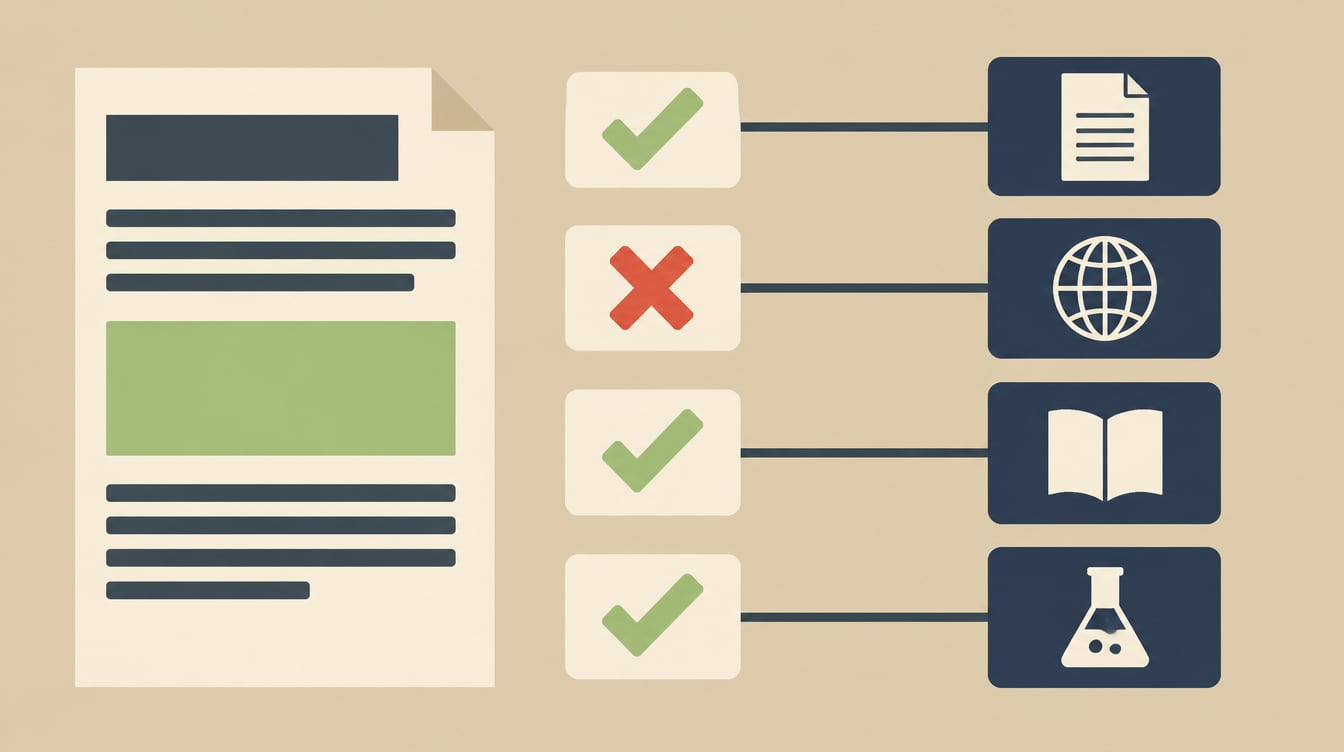
To fact check AI content, break the text into individual claims (statistics, dates, names, quotes) and trace each one to its original source. Then search existing fact checks, reverse image search any visuals, and have a person approve it before publishing. Treat AI as a first draft, never as a source.
Fact checking AI content is the process of verifying each claim, statistic, quotation and image in AI-generated material against original sources, so that nothing false or invented is published under your name.
At a glance
- AI can invent statistics, fabricate quotations and create references to sources that do not exist, even when the text sounds confident.
- Google Fact Check Explorer and Google Lens are free tools for searching existing fact checks and running reverse image searches.
- For high volumes, check a representative sample first and widen the review if you find errors.
- SEO typically takes three to six months to build, so steady, accurate publishing matters more than one perfect post.
- Rank Otter researches each article from pages already ranking on Google and lets you approve every article before it publishes.
Why does AI content need fact checking?
AI writes fluent text that sounds right whether or not it is, so every checkable claim needs verifying before it goes live. A confident tone and tidy formatting make errors harder to spot, not easier.
The usual failures are easy to list:
- Invented statistics with no source behind them
- Fake quotations attributed to real people or organisations
- References to reports, studies or web pages that do not exist
- Outdated prices, rules and dates presented as current
What a plausible but false claim looks like
Imagine a draft that says: “According to a 2024 report by the Federation of Small Businesses, 72% of UK firms now publish blog posts monthly.” It has a named body, a year and a neat figure. It reads like something you could repeat. But if you search for the report and cannot find it, the claim has to go. Nothing in the sentence tells you it is made up. That’s exactly the problem.
The cost lands on you. A false claim can damage your reputation, weaken a client’s trust in your agency and undermine the pages you are trying to rank. Google says it wants helpful, reliable content, and accuracy is part of that.
How do you fact check AI-generated text step by step?
Split the draft into claims, trace each to a primary source, confirm it is current, and rewrite or remove anything you cannot verify. A primary source is the original publisher of the data, such as a government department, not a blog that repeats it.
- Break the text into claims. Highlight every fact, figure, date, name and quote. If a sentence can be proved wrong, it is a claim.
- Open the cited source and read it. Do not trust a link or title because it looks right. AI references may not exist, and real ones may not say what the draft claims.
- Check the date. Judge every figure and price against today, 15 November 2026. A number from several years ago may no longer hold.
- Find a second independent source for any important claim, especially anything about money, health, law or safety.
- Delete or soften what you cannot verify. Remove the claim, or replace it with wording you can stand behind.
A checklist you can copy
- Every statistic has a named source I have opened
- Every quote can be found in the original
- Every link works and supports the sentence it sits on
- Prices, dates and rules are current
- Images have a known origin
- Anything unverified is removed or reworded
- A named person has signed it off
Replace generic claims with real detail
Real photos and real job stories beat stock content every time. Where a draft makes a vague claim, swap it for something you know first-hand, such as a project you completed or a question a customer asked. First-hand detail is easier to verify because you were there.
Which tools help you fact check AI content for free?
Free tools such as Google Fact Check Explorer, Google Lens, TinEye and the sites of Full Fact and BBC Verify cover most checks without any cost. None of them does the whole job, so use them together.
| Task | Free tool | What it does | Limit |
|---|---|---|---|
| Search existing fact checks | Fact Check Explorer from Google, Full Fact | Shows whether a claim has already been checked by a fact-checking organisation | Only covers claims someone has already reviewed |
| Reverse image search | Google Lens, TinEye | Finds where else an image appears online | May not find brand new or private images |
| UK official data | GOV.UK, ONS, House of Commons Library | Gives original figures, rules and research briefings | You must find and read the right page yourself |
| Media verification | BBC Verify | Shows how journalists check images, video and claims | Covers news stories, not every topic |
Why a detector score is not a fact check
AI detectors estimate who may have written a piece of text. They say nothing about whether the text is true. A human can write a false claim and a machine can write a true one, so a detector score tells you very little about accuracy.
How do you check AI-generated images and videos?
Run a reverse image search, look for the original source and date, and check for visual errors, because realistic fake images and video are easy to produce. Start with the search, then look closer.
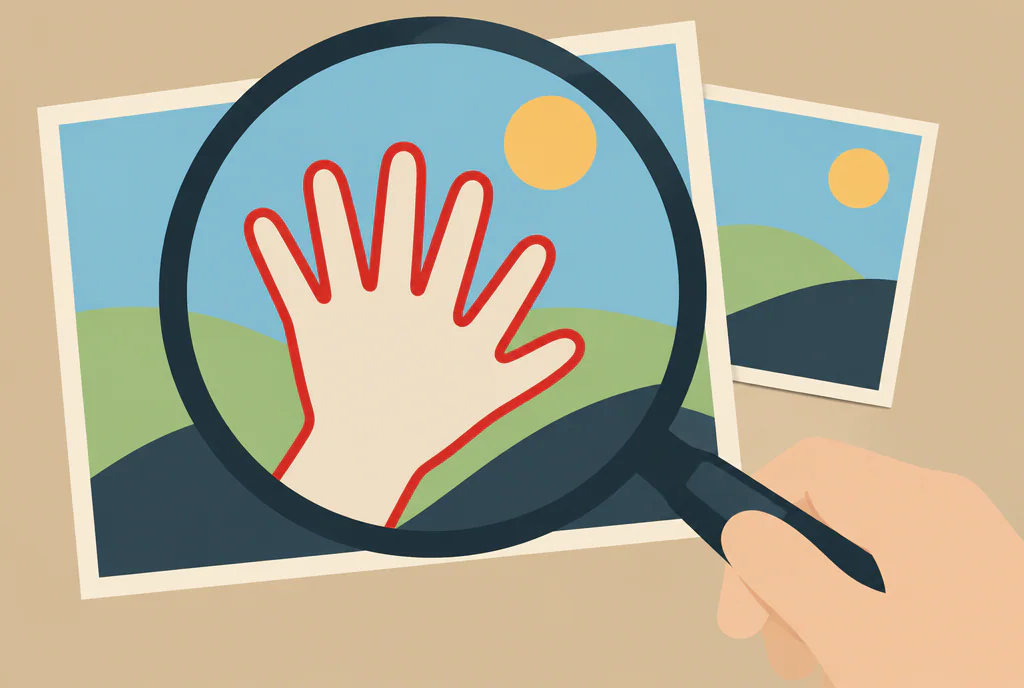
Reverse image search
Upload the image to Google Lens or TinEye, or paste its web address. Look for the earliest appearance and see whether the image is linked to a different story from the one you are telling.
Provenance and context
Ask who posted it first and when. An image that claims to show a recent event but appeared years earlier is a warning sign. For video, look for the original upload, not a clip reposted without credit.
Visual errors
Look at hands, fingers, text on signs, reflections and shadows. Odd lettering, mismatched lighting and objects that merge into each other can point to a synthetic image. These clues are not proof either way, so combine them with the source check.
Use real images where you can
Your own photos of real work are the safest option. You know where they came from, and they show customers something genuine.
Can AI detectors tell you if content is accurate?
No. AI detectors estimate whether text looks machine-written; they cannot tell you whether a claim is true, and their results can be wrong.
If you are wondering how to find out whether content is AI-generated, a detector can be one clue, but only that. Scores are probabilities. They can flag human writing as machine-made (a false positive). Accuracy figures on detector sites are claims made by the vendors themselves, so treat them with caution.
Google’s guidance is about whether content is helpful and reliable, not whether a person typed every word. So the better use of your time is checking facts, not chasing a detector score.
How do you fact check AI content at scale?
Check a representative sample of each batch, widen the review if you find errors, and keep a human approval step before anything publishes.
A sampling approach
- Pick a sample from the batch, mixing topics and article lengths.
- Check every claim in those pieces.
- Should you find errors, check more of the batch.
- Repeat with the next batch and note what kinds of mistakes keep appearing.
A workflow for agencies
Give each client one named reviewer, so someone is accountable. Use the claims checklist above and keep a simple log of corrections. Over time, the log shows which topics need closer attention.
How Rank Otter fits in
Every Rank Otter article is researched from the pages already ranking on Google before a word is written. You choose how much control you want, from approving every article to full autopilot. We recommend approving articles until you trust the output. We use Rank Otter on our own clients’ websites; it was built by PS Website Design Ltd, a UK web and app agency that has looked after websites for UK businesses since 2009.
Write about the questions your customers actually ask, and publish regularly. SEO takes three to six months to build, so steady, accurate publishing matters more than one perfect post. Results are read from your own Google Search Console, not our estimates. You can see how the features work or contact Rank Otter to try your first article free.
Frequently asked questions
What is the 30% rule for AI?
There is no official 30% rule that applies to AI content. Some schools and employers set their own limits on AI use, so check the policy that applies to you. For publishing, the safer rule is to verify 100% of the claims.
Can ChatGPT fact check its own answers?
ChatGPT can help you list claims to check, but it should not be the final judge of its own output. It can repeat the same mistake with confidence, so verify against original sources yourself.
How do I check if an AI reference is real?
Search for the exact title, author and publisher, then open the page on the publisher’s own website. When you cannot find it, or it does not support the claim, remove the reference.
How do I fact check AI content on my iPhone?
Use a browser to search for each claim and open the original source. You can use Google Lens through the Google app to run a reverse image search on a photo.
Is there a free AI fact checker?
No single free tool can verify everything. The free options handle different parts of the job: Google Fact Check Explorer, Google Lens, TinEye and the Full Fact website.
How often should I re-check published AI content?
Re-check pages whenever the facts could change, such as prices, rules or dates. A regular review of your most important pages is sensible, and the right gap depends on how quickly your topic moves.
Does Google penalise AI-written content?
Google focuses on whether content is helpful and reliable, not on how it was produced. Inaccurate, thin or spammy pages can perform badly whoever wrote them.