How to publish to WordPress automatically (4 methods)
Learn how to publish to WordPress automatically: schedule posts, use Zapier, Make or n8n, the REST API, or an SEO tool that researches and posts for you.

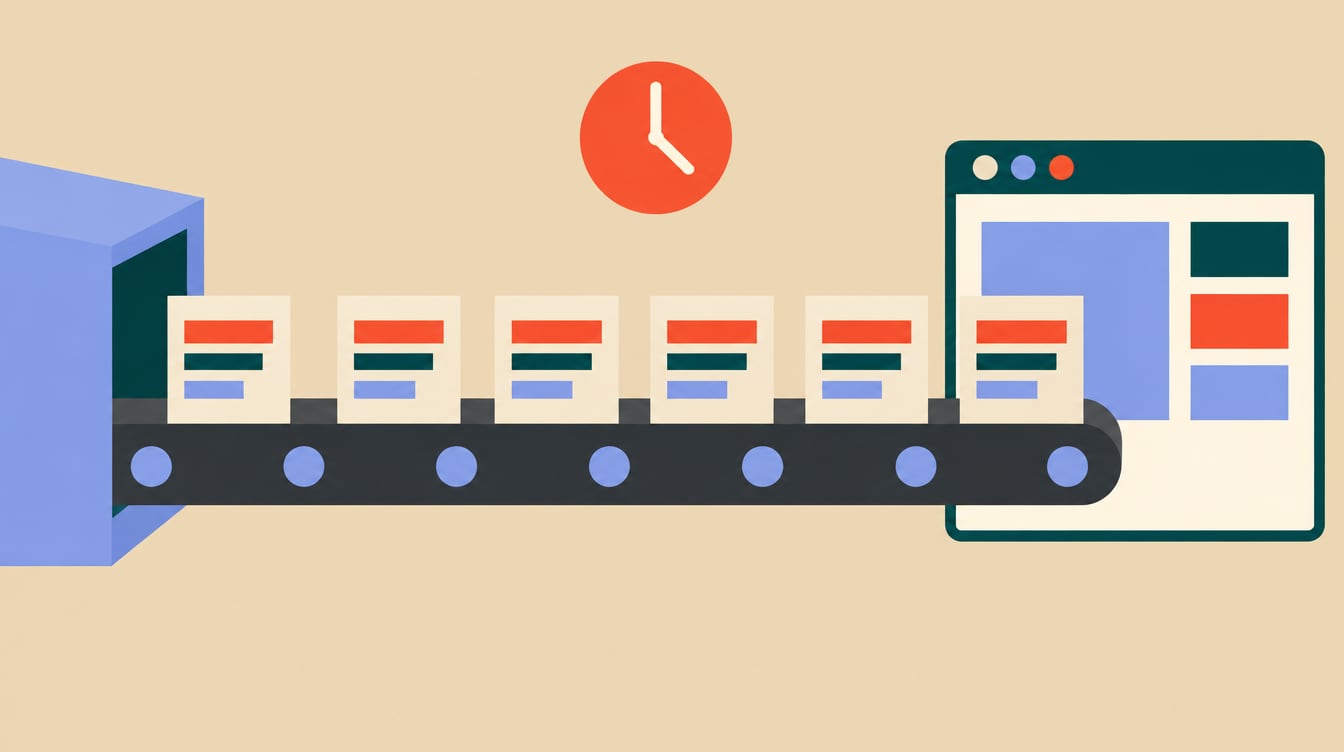
To publish to WordPress automatically, you have four options. You can schedule posts in the editor, connect WordPress to an automation tool such as Zapier, Make or n8n, send posts through the WordPress REST API with an application password, or use an SEO tool that writes and publishes articles straight to your site on a schedule.
Automatic publishing to WordPress is a way of getting posts onto a WordPress site on a schedule or trigger, without logging in and clicking Publish each time. It saves time and keeps content regular.
At a glance
- WordPress lets you set a future date and time on a post so it publishes automatically at that moment, as the WordPress scheduling guide explains.
- The WordPress REST API has a Create a Post endpoint that accepts fields such as title, content, status and date, according to the REST API Handbook.
- Make says it connects 3,500+ apps, and Zapier and n8n also offer WordPress connections without code.
- SEO usually takes three to six months to build, so regular publishing matters more than one perfect post.
- Rank Otter plans start at £99 + VAT a month for 30 articles and 1 website, and the first article is free with no card.
What are the ways to publish to WordPress automatically?
There are four routes: scheduling in WordPress, no-code automation tools, the REST API and SEO publishing tools. They differ mainly in the skill needed and in who writes the content.
| Method | Skill level | Best for | Setup time | Who creates the content |
|---|---|---|---|---|
| Built-in scheduling | Beginner | Posts you have already written | Minutes | You |
| Zapier, Make or n8n | Beginner to intermediate | Moving content from sheets, feeds or forms into WordPress | An hour or so | You, or another tool in the chain |
| REST API with application password | Developer | Custom pipelines built by agencies | Hours, depending on your system | Your own system |
| SEO tool that publishes for you | Beginner | Ongoing SEO content | Minutes | The tool, with your approval |
If you have one post to time for next week, scheduling is enough. Anyone wanting a steady flow of posts every week needs an ongoing pipeline, which means one of the other three.
How do you schedule a post in WordPress?
Open the post, change Publish from Immediately to a future date and time, then click Schedule. WordPress publishes it at that time without you logging in.
- Open the post in the block editor.
- In the Settings panel on the right, find the Publish line under Summary.
- Click it and choose your date and time.
- Click the Schedule button (it replaces Publish once a future date is set).
- Confirm in the panel that appears.
To reschedule, reopen the post and change the date. To unschedule, switch it back to draft. If you set a date in the past, WordPress publishes the post with that date, which is handy for backdating. The WordPress scheduling guide covers the screens in more detail.
Troubleshooting missed schedules
WordPress runs scheduled jobs through WP-Cron, which only fires when someone visits your site. On a quiet site, a post can sit past its time until the next visit. Check the timezone under Settings > General too. A wrong timezone makes posts go live hours early or late. If misses keep happening, ask your host about running a real server cron job.
How do you publish to WordPress with Zapier, Make or n8n?
Create a workflow with a trigger, such as a new row in a spreadsheet or an RSS item, then add a WordPress action that creates a post with your chosen status and date.
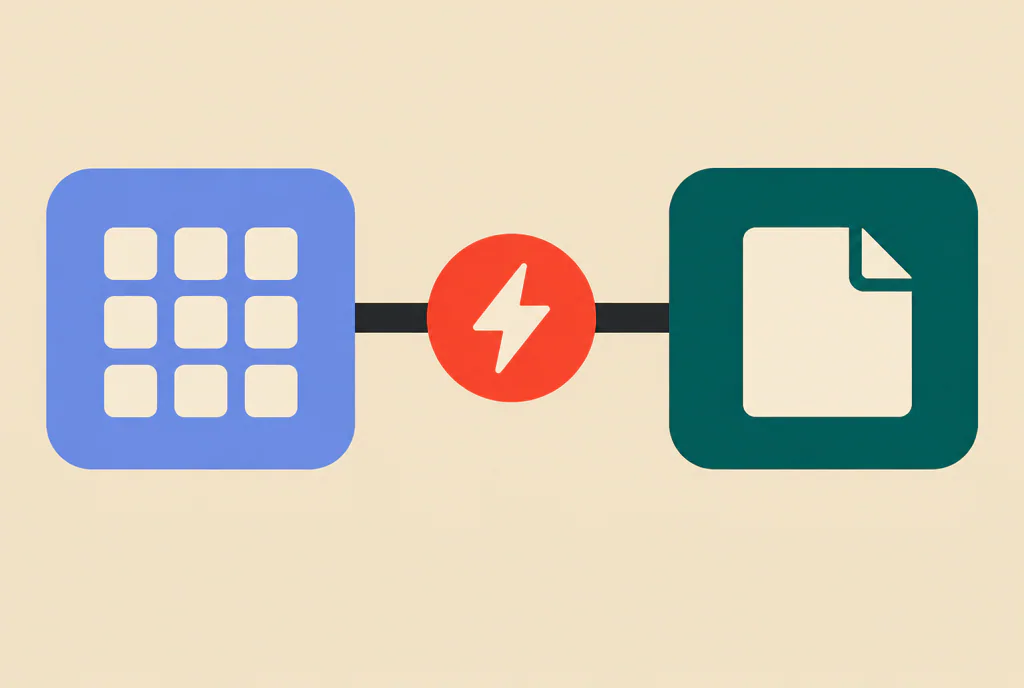
- Connect your WordPress site to the tool, usually with an application password.
- Pick the trigger, for example a new row in Google Sheets.
- Add the WordPress action to create a post.
- Map the title, content, categories and tags from your trigger data.
- Set the status to draft or publish.
- Run a test and check the result in WordPress.
Zapier and Make suit most people because they need no code. Make says it connects 3,500+ apps, which is useful if your content starts in a spreadsheet, a form or a project tool (see Make). n8n suits advanced or self-hosted setups where you want more control.
Publish as draft while you test, and only switch to publish once the formatting looks right. Be clear on what these tools do: they move content, but they do not make it good or researched.
How do you publish to WordPress using the REST API?
Create an application password for a user, then send an authenticated POST request to the /wp-json/wp/v2/posts endpoint with a title, content and a status of publish or future.
- Go to Users > Profile and create an application password under that heading. Copy it straight away.
- Build a POST request to your site’s /wp-json/wp/v2/posts address, using the username and application password for basic authentication.
- Set the status and, for future posts, the date.
A short example:
POST https://example.com/wp-json/wp/v2/posts
{
“title”: “Your post title”,
“content”: “<p>Post body</p>”,
“status”: “future”,
“date”: “2026-12-01T09:00:00”
}
The key arguments are title, content, status and date, all listed in the Posts endpoint reference. Use HTTPS, create a dedicated user with a limited role such as Author, and store credentials in a secrets manager rather than in code. This route suits developers and agencies building their own pipeline.
Can an SEO tool research, write and publish to WordPress for you?
Yes. Tools like Rank Otter connect to your site and handle research, writing and publishing, so automation covers the whole job and not just the posting step.
Here is how Rank Otter works. You enter your website and we analyse it free in about 30 seconds. Your first article is written free, with no card. You then approve a 30-day plan, and articles are researched, written and published on your schedule. You choose your control level, from approving every article to full autopilot.
Every article is researched from the pages already ranking on Google before a word is written. Results come from your own Google Search Console, not our estimates. You can see more on our features page.
Plans are priced in articles a month, not credits or words:
- Growth: £99 + VAT a month for 30 articles and 1 website
- Pro: £199 + VAT a month for 75 articles and 3 websites
- Agency: £449 + VAT a month for 200 articles and 10 client websites
There is a 30-day money-back guarantee on your first payment, and you can cancel online in two clicks. Rank Otter is built by PS Website Design Ltd, a UK web and app development agency that has built and looked after websites for UK businesses since 2009. We use Rank Otter on our own clients’ websites.
How do you stop automatic publishing hurting your SEO?
Publish regularly, but make each post answer a real customer question, and keep a review step until you trust the output. Volume without quality or variety can be treated as spam.
- Write about real questions. Start with what your customers actually ask you.
- Use real photos and job stories. They beat stock content every time.
- Avoid near-identical town pages. Never publish the same page for different towns, because Google treats that as spam.
- Check robots.txt. Make sure it is not blocking AI search tools.
- Track results in Google Search Console. Allow three to six months, as SEO takes that long to build.
Regular publishing matters more than one perfect post, which is why automation is worth having when the content behind it is sound.
To see how this works on your own site, contact Rank Otter and we will analyse it free. You can also check our pricing first.
Frequently asked questions
Can WordPress publish posts automatically on a schedule?
Yes, WordPress can publish posts on a schedule using its built-in scheduling. Set a future date and time on the post and click Schedule, and it goes live at that moment.
Why did my scheduled post in WordPress miss its schedule?
A scheduled post usually misses its time because WP-Cron only runs when someone visits the site. Quiet sites can lag, and a wrong timezone under Settings > General can also cause it.
Is it safe to use application passwords for WordPress?
Application passwords are a safe way to connect tools when used with HTTPS. Create them for a dedicated user with a limited role, store them securely and revoke any you no longer use.
Can ChatGPT write and publish posts to WordPress?
ChatGPT can write text, but publishing needs a connection such as an automation tool or the REST API. Either way, you still need research and a review step so the posts are accurate and useful.
Does Google penalise automatically published content?
Publishing method is not the issue; quality is. Thin, repeated or near-identical pages can be treated as spam, while useful posts that answer real questions are fine however they are published.
How often should I publish blog posts to WordPress?
Publish at a pace you can keep up with, as regular publishing matters more than one perfect post. SEO usually takes three to six months to build, so consistency is the aim.
Do I need a plugin to publish to WordPress automatically?
No, you do not need a plugin. Scheduling is built in, and the REST API and application passwords are part of WordPress, though some automation tools may offer their own connector.