WordPress SEO automation: what to automate and how
WordPress SEO automation explained: which tasks to automate, which to keep human, the tool types compared, and how to set it up for UK sites or clients.

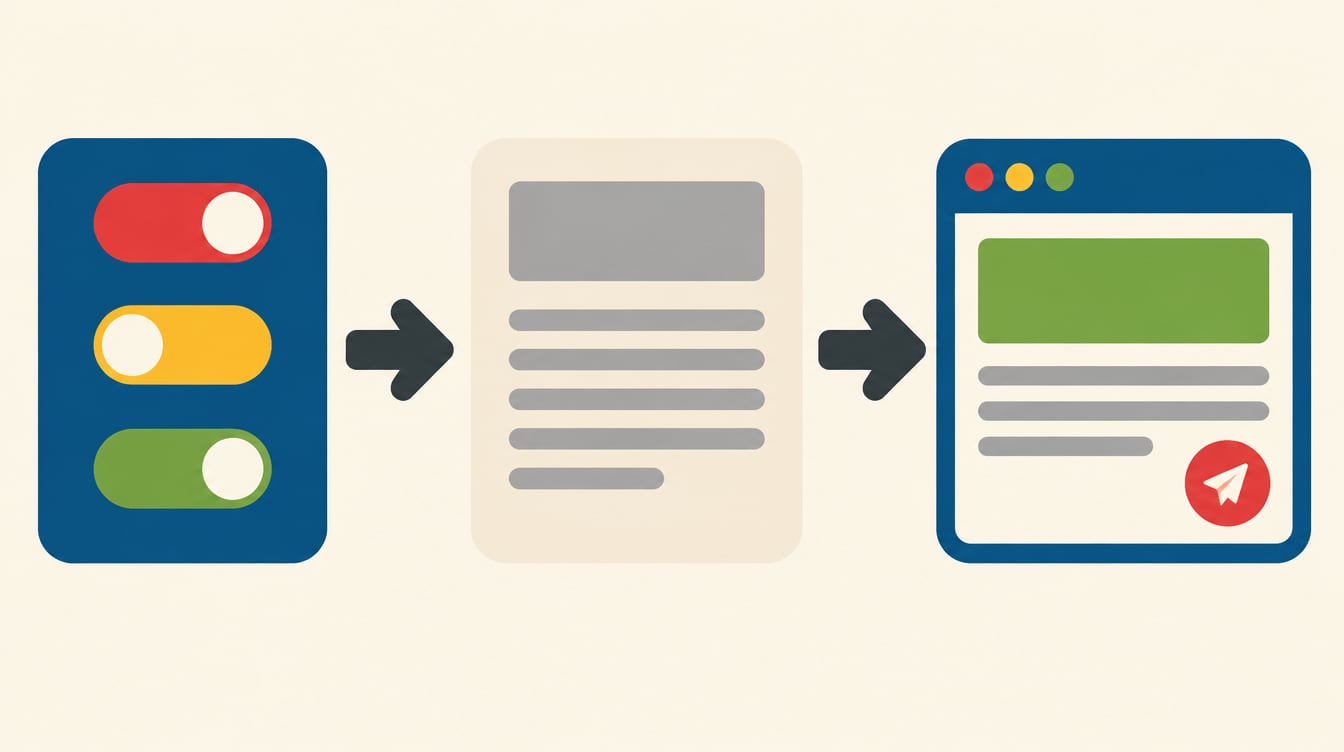
WordPress SEO automation means using plugins and software to handle repeat SEO work on a WordPress site, such as sitemaps, schema, redirects, metadata and internal links, and even researching, writing and publishing posts. You can automate most of the routine tasks, but strategy, accuracy and quality control still need a person.
At a glance
- SEO plugins such as Rank Math and Yoast automate XML sitemaps, structured data, redirects and image alt attributes, with AI titles and descriptions in some versions (Rank Math plugin listing).
- WordPress is ready for search engines out of the box, covering sitemaps, permalinks, robots.txt and meta tags.
- Google’s guidance is that basic SEO best practice still applies to its generative AI search features.
- SEO typically takes three to six months to build, so regular publishing matters more than one perfect post.
- Rank Otter plans: Growth £99 + VAT a month (30 articles, 1 website), Pro £199 + VAT (75 articles, 3 websites), Agency £449 + VAT (200 articles, 10 client websites).
- The first Rank Otter article is free with no card, and there is a 30-day money-back guarantee on the first payment.
What is WordPress SEO automation?
WordPress SEO automation is software doing repeatable SEO tasks on your site, from technical settings to publishing content, so you spend time on decisions rather than admin.
It helps to think in three layers:
- Technical: plugins that keep sitemaps, schema and redirects in order.
- Bulk on-page fixes: metadata, alt text and internal links applied across many pages at once.
- Content research and publishing: finding topics, writing articles and putting them live on a schedule.
WordPress already handles the basics well. As the WordPress.org documentation explains, it is ready for search engines out of the box, with sitemaps, permalinks, robots.txt and meta tags covered. Automation builds on that base rather than replacing it.
The people who gain most are agencies and busy owners with many pages or several sites. Doing the same small job fifty times is where hours disappear.
What can you automate in WordPress SEO?
Sitemaps, schema markup, redirects, metadata drafts, image alt text, internal link suggestions, reporting and article publishing can all be reliably automated.
The table shows what each task involves and where a person should still look. Last checked: 22 October 2026.
| Task | What is automated | Typical tool type | Human check needed |
|---|---|---|---|
| XML sitemaps | Created and updated as you publish | SEO plugin | Confirm unwanted pages are excluded |
| Schema markup | Structured data added by page type | SEO plugin | Test key pages for errors |
| Broken link redirects | Detects 404s and suggests or creates redirects | SEO plugin | Check each redirect points somewhere relevant |
| Image alt text | Drafts or fills missing alt attributes | SEO plugin or bulk tool | Make sure descriptions match the image |
| AI meta titles and descriptions | Drafts at scale | Plugin AI features | Read for accuracy and tone |
| Internal linking | Suggests links between related posts | Plugin or content service | Check anchor text reads naturally |
| Rank tracking | Regular position checks | Tracking software | Interpret changes, not just numbers |
| Email reports | Scheduled summaries | Reporting tool | Decide what to do next |
| Article publishing | Research, drafting and posting on a schedule | Content service | Approve or sample articles |
Newer extras
Two newer items are worth knowing. An llms.txt file is a plain file meant to point AI tools at your key content, and some plugins can generate one. IndexNow lets your site tell participating search engines when a page changes. Both are easy to automate, though neither replaces good content.
Which tools can automate SEO on a WordPress site?
There are three kinds of tool. SEO plugins like Rank Math, Yoast and AIOSEO come first, then bulk deployment platforms. The third is content automation services that research, write and publish posts.
SEO plugins
Plugins are the right starting point. They handle sitemaps, schema, redirects and metadata well. The ceiling is that they work page by page. They help you polish a post once it exists, but they do not decide what to write or publish it for you.
Workflow builders
Tools such as n8n let you wire together your own automations, for example pulling data, calling an AI model and posting to WordPress. They are very flexible. The catch is that you build, test and maintain every step. You also carry the risk when something breaks.
Content services
These handle research, drafting and native publishing, often with approval options. This is where we sit. Rank Otter researches every article from the pages already ranking on Google before a word is written, then publishes directly to your site. Results come from your own Google Search Console, not our estimates.
PS Website Design Ltd built Rank Otter. We’re a UK web and app development agency that has built and looked after websites for UK businesses since 2009. We use it on our own clients’ websites.
How they compare
| SEO plugins | Workflow builders | Content services | |
|---|---|---|---|
| Control | Full, page by page | Full, but you design it | Choose approval level |
| Cost model | Often a free tier, then licence | Software plus your build time | Monthly subscription |
| Setup time | Short | Longest | Short |
| Best for | Technical base | Custom processes | Regular publishing |
Most sites do best with a plugin and a content service working together.
Can you automate SEO content without hurting rankings?
Yes, if each article is researched against what already ranks, answers real customer questions and is reviewed or sampled by a person; thin, near-identical pages are what cause problems.
Google’s guidance on generative AI features in Search says basic SEO best practice still applies. Helpful, distinctive content matters there too, so the method of production matters less than whether the page is useful.
Pick your level of control
With Rank Otter you choose how much control you want, from approving every article to full autopilot. A new site or a sensitive subject suits approving each post. A well-established plan with a proven voice may suit autopilot. Just check in now and then.
Avoid the traps
- Near-identical town pages: never publish copies of one page for different towns. Google treats that as spam.
- Stock content: real photos and real job stories beat stock content every time. Add your own images to automated posts where you can.
- Wrong questions: write about the questions your customers actually ask you.
- Blocked AI tools: check your robots.txt is not blocking AI search tools.
When should you not automate WordPress SEO?
Keep people in charge of strategy, facts, brand voice and anything legal or technical that could break the site; automate the repetitive work around them.
Strategy and topic choice
A tool can suggest topics, but only you know which services earn your margin and which customers you want more of.
Facts and sensitive claims
Prices, legal wording, medical or financial statements and anything about your own results need a human read before they go live.
Bulk changes without a rollback
Mass redirects or metadata rewrites can do real damage if they go wrong. Take a backup first and test on a small batch.
Reliance on one tool
If a single plugin or service controls everything, a change or outage can stall your SEO. Keep your own access to Search Console and your site settings.
How do you set up WordPress SEO automation step by step?
Start with a clean technical base, connect Google Search Console, pick your topics from real customer questions, then publish on a regular schedule and review results monthly.

- Install one SEO plugin and set up sitemaps, schema and redirects.
- Check your robots.txt and sitemap are not blocking anything you want found, including AI search tools.
- Connect Google Search Console so you can measure real clicks and impressions.
- Build a topic plan from the questions customers ask you.
- Connect your publishing method.
- Choose your approval level.
How it works with Rank Otter
Enter your website and we analyse it free in about 30 seconds. Your first article is written free, with no card. You approve a 30-day plan, then articles are researched, written and published on your schedule. Approve each one or let them publish automatically. Cancelling takes two clicks online.
Expect three to six months before results build. That is why regular publishing matters more than one perfect post.
Agencies can manage up to 10 client websites on one Agency plan, which keeps billing and reporting in one place.
How much does WordPress SEO automation cost?
Plugins often have free tiers, while content automation is usually a monthly subscription; Rank Otter runs from £49 + VAT a month for 12 articles.
| Plan | Price | Articles a month | Websites |
|---|---|---|---|
| Growth | £99 + VAT a month | 30 | 1 |
| Pro | £199 + VAT a month | 75 | 3 |
| Agency | £449 + VAT a month | 200 | 10 client websites |
Plans are priced in articles a month, not credits or words, so you know what you are getting. Your first article is free with no card, and there is a 30-day money-back guarantee on your first payment.
Compare that with the hours it takes to research, write, format and publish each post by hand. Those hours are the real cost for most small teams, and they are the part automation removes.
See the full pricing online, or contact Rank Otter to try your free first article and see how it fits your WordPress site.
Frequently asked questions
Is SEO dead now with AI?
No. Google says basic SEO best practice still applies to its generative AI search features, so clear, helpful content and a sound technical base still matter.
Can ChatGPT do SEO?
It can help with drafting and ideas, but it does not research what ranks, publish to your site or show your Search Console results. A person still needs to check the output.
Can you do SEO with WordPress?
Yes. WordPress covers sitemaps, permalinks, robots.txt and meta tags out of the box, and plugins add more.
Which SEO tool is best for WordPress?
It depends on the job. Plugins like Rank Math, Yoast and AIOSEO suit the technical layer, while a content service suits regular publishing. Many sites use both.
Is automated SEO content safe for Google?
It can be, when articles are researched against what already ranks, answer real questions and are reviewed or sampled. Thin, near-identical pages are the risk.
How long does WordPress SEO automation take to show results?
SEO typically takes three to six months to build. Publishing regularly matters more than one perfect post.
Do I still need Yoast or Rank Math if I automate content?
Usually yes. A plugin looks after the technical layer, such as sitemaps, schema and redirects, while content automation looks after what you publish.
Can an agency automate SEO for several client WordPress sites?
Yes. The Rank Otter Agency plan covers 10 client websites and 200 articles a month for £449 + VAT, with approval controls for each article.