How to get found on Google: a step-by-step UK guide
Learn how to get found on Google in 2026: set up Search Console and a Business Profile, publish helpful content, and build visibility over three to six months.

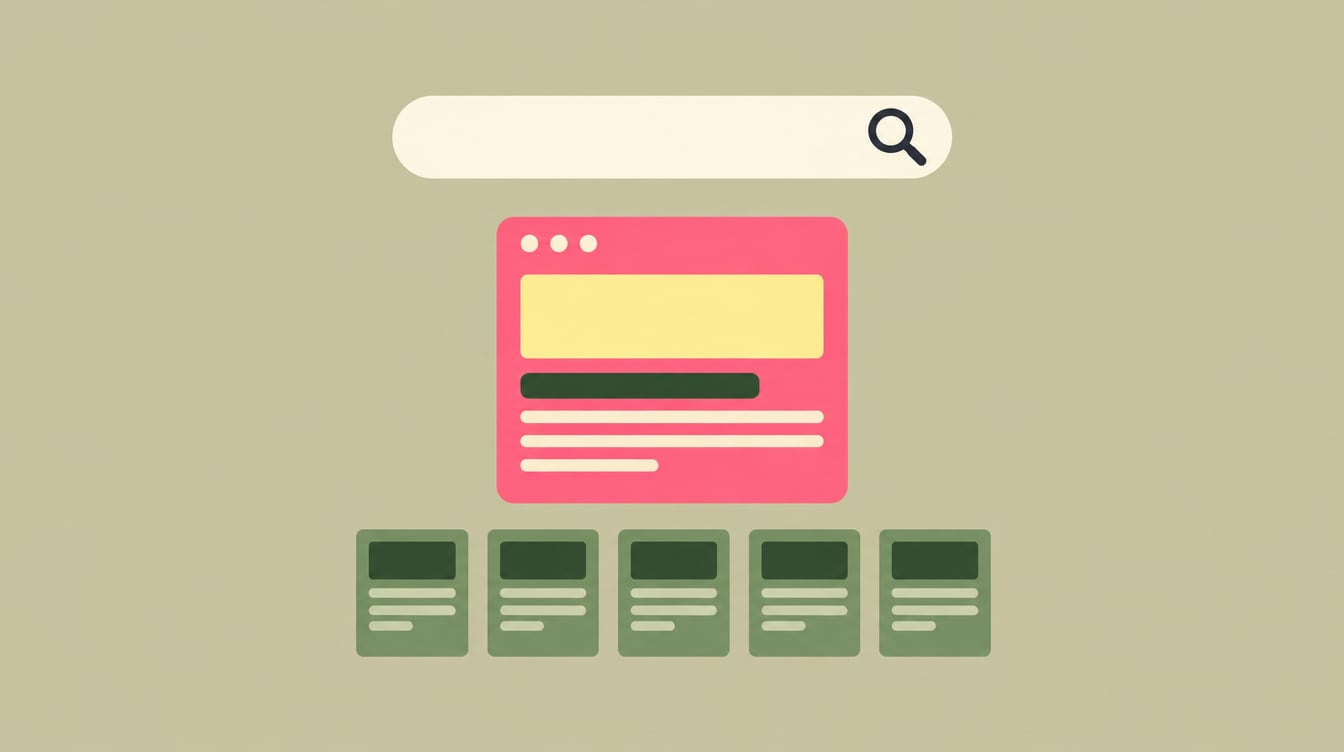
To get found on Google, make sure Google can find and index your website, then give it good reasons to show you. Add your site to Google Search Console, submit a sitemap, claim a free Google Business Profile if you serve local customers, and publish helpful content that answers what your customers search for.
Getting found on Google is the process of making your website and business discoverable in Google Search and Maps, so people searching for your services can see and click your pages.
At a glance
- Google Search Console and Google Business Profile are both free to use.
- The core steps are to add your site to Search Console, verify ownership, submit a sitemap and request indexing of your homepage, as set out in Google’s Search Console guide.
- Google’s own checklist covers whether your site is indexed, has quality content, shows locally, works on all devices and is secure.
- SEO usually takes three to six months to build, so regular publishing matters more than one perfect post.
- A Business Profile shows your name, photos, contact details and reviews on Search and Maps.
How do you get found on Google?
Getting found on Google comes down to two things: Google must be able to find and index your site, and your pages must match what people actually search for. Google discovers sites automatically, but the steps below make it faster and far more reliable.
Here is the order we suggest:
- Claim your Google Business Profile (if you serve local customers).
- Next, verify ownership of your website in Google Search Console.
- Submit a sitemap, which is a file listing the pages on your site.
- Request indexing of your homepage, so Google adds it to its searchable list of pages.
- Use your customers’ own wording in your page titles and headings.
- Check your site works well on a mobile phone.
If you have a business
Start with the Business Profile. It is the quickest route into local results and onto Google Maps, and it costs nothing.
If you have a website
Search Console comes first. It tells you whether Google can see your pages and, later on, which searches bring people to them. Google’s own guide to getting on Google covers the same ground: is your site indexed, does it have quality content, does it show locally, does it work on all devices and is it secure.
How do you check whether your website is already on Google?
Typing site:yourdomain.co.uk into Google shows which of your pages are indexed, and Search Console confirms the detail. If nothing appears, Google has not added your pages yet, or something is stopping it.
Use the site: search and URL Inspection
Swap in your own domain, for example site:example.co.uk. Then open the URL Inspection tool in Search Console, paste in a page address and it will tell you whether that page is on Google.
Common reasons pages are missing
- A noindex tag, which is a line of code telling Google not to list the page.
- Pages blocked from crawling in your robots.txt file.
- No links pointing to the page, so Google never finds it.
Check your robots.txt file
Your robots.txt file is a plain text file at yourdomain.co.uk/robots.txt that tells search tools which parts of your site they may visit. Check it is not blocking Google, and check it is not blocking AI search tools either, as that can stop your pages being used in AI-generated answers. A single stray line such as “Disallow: /” can hide a whole site.
Be patient with new sites
A brand new site can take anywhere from a few days to a few weeks to appear. Submitting a sitemap and requesting indexing helps, but does not make it instant.
How do you add your site to Google Search Console?
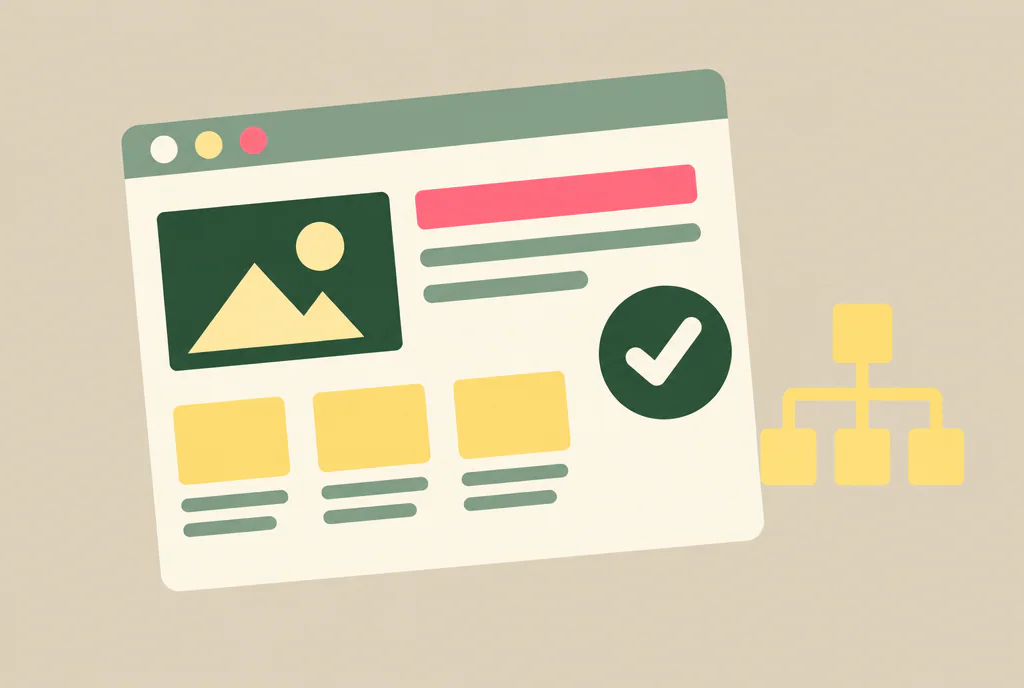
Adding a site to Google Search Console means signing in with a Google account, adding your site, verifying ownership, submitting your sitemap and requesting indexing of your homepage. You do not need to write any code. Google explains the process in its Search Console help pages.
The steps
- Go to Google Search Console and sign in with a Google account.
- Then add your website as a property.
- Verify ownership, using the method Search Console offers (your web developer or website platform can usually help here).
- Submit your sitemap.
- Use URL Inspection on your homepage and click to request indexing.
Where is my sitemap?
Most website platforms create a sitemap for you, often at yourdomain.co.uk/sitemap.xml. Not sure? Open that address in your browser. A list of page addresses means you have one.
Why it matters beyond setup
Search Console is also where you see real clicks and impressions for your site. That is actual data from Google, not an estimate from a third-party tool, which makes it the best place to judge whether your work is paying off.
How do you get your local business found on Google Maps?
A free Google Business Profile is the main route to appearing on Google Search and Maps for local customers. Claim it, verify it and fill in every section, because a complete profile shows your name, photos, contact details and reviews right in the results.
What to complete
- Business name, categories and opening hours.
- Your services, described in plain words.
- Photos of your work, your premises and your team.
Reviews
Ask happy customers for honest reviews and reply to them, good or bad. Never write or buy fake reviews. They break Google’s rules and damage trust.
Use real photos and job stories
Real photos and real job stories beat stock content every time. A picture of an actual kitchen you fitted in Headingley says more than a glossy image anyone could download.
Keep your details consistent
Use the same business name, address and phone number on your website, your Business Profile and any directories. Small differences confuse both people and search engines.
Describe your service area honestly
Are you based in Leeds but work for customers across the UK? Say so plainly. List the areas you really cover and no more. If you run a trade business, our solution for trades and local services is built for exactly this kind of local visibility.
What content helps your website rank on Google?
Helpful pages that answer the questions your customers actually ask, using their wording in titles and headings, are what Google rewards. Begin with the questions you hear every week on the phone, by email or on site visits.
Write about real customer questions
Make a list of what people ask before they buy. Each question can become a page or a section. Answer it directly in the first sentence. Then add the detail.
Get the basics of each page right
- A clear title that says what the page is about.
- A meta description, the short summary that can appear under your title in results.
- A descriptive web address, such as /boiler-servicing-cost rather than /page?id=482.
Avoid near-identical town pages
Never publish near-identical pages for different towns, changing only the place name. Google treats this as spam, and it can harm the rest of your site. Serving several areas? Write something genuinely different for each, such as real jobs you have done there, or cover them on one clear service area page.
Use real examples
Real photos and real examples beat stock content. They show you do the work, and they give searchers something other sites do not have.
Keep the site fast, secure and mobile friendly
Check your pages load quickly on a phone, read comfortably without zooming and use HTTPS, the secure version of a web address (the padlock in the browser). These are part of Google’s own checklist.
How long does it take to get found on Google?
SEO typically takes three to six months to build, and steady publishing beats a single perfect post. Some things happen quickly, such as indexing, but rankings grow over months.
| Action | What it does | When you might see an effect |
|---|---|---|
| Submit sitemap and request indexing | Helps Google find your pages | Days to weeks |
| Complete Business Profile | Makes you eligible for Search and Maps results | After verification; visibility builds over time |
| Publish helpful content regularly | Matches your pages to what people search | Rankings build over months |
| Gather genuine reviews | Builds trust and local visibility | Gradually, as reviews accumulate |
Set a publishing routine
Pick a pace you can keep up, whether that is one post a fortnight or one a week, and stick to it. You can write posts yourself, hire a writer or automate the work. Consistency matters more than the method.
Track progress in Search Console
Check clicks, impressions and the pages Google is showing, once a month or so. Guesses and gut feeling are no substitute for the numbers.
One option for agencies and busy owners
Rank Otter writes and publishes SEO articles directly to your website on a schedule. Every article is researched from the pages already ranking on Google before a word is written, and you choose your level of control, from approving every article to full autopilot. Results are measured from your own Google Search Console, not our estimates. Rank Otter is built by PS Website Design Ltd, a UK web and app development agency. We’ve built and looked after websites for UK businesses since 2009, and we use it on our own clients’ websites. You can see what it does on our features page.
Your first article is free, with no card needed. Would you like to see how it would work for your site? Get in touch with Rank Otter and we will happily talk it through.
Frequently asked questions
Can I get found on Google without a website?
Yes, to a degree. A free Google Business Profile can show your business on Search and Maps without a website. A website gives you far more room to answer customer questions and appear for more searches.
How long does it take for a new website to show on Google?
A new website can take from a few days to a few weeks to appear on Google. Submitting a sitemap and requesting indexing in Search Console helps. Ranking well for competitive searches usually takes three to six months of steady work.
Is it free to get listed on Google?
Yes, getting listed on Google is free. Google Search Console and Google Business Profile cost nothing to use, and Google does not charge to include your pages in its results.
Why is my website not showing on Google?
A website usually does not show on Google because it is new, blocked or not linked to. Check for noindex tags, check your robots.txt file and use the URL Inspection tool in Search Console to see what Google says about each page.
How do I get my business on Google Maps?
Claim and verify a free Google Business Profile, then complete your categories, hours, services and photos. Keep your name, address and phone number consistent everywhere and ask customers for genuine reviews.
Do I need to pay for ads to be found on Google?
No, you do not need to pay for ads to be found on Google. Ads can bring quicker visits, but unpaid results come from helpful content, a well-set-up site and a complete Business Profile.
How often should I publish blog posts?
Publish as often as you can keep up consistently, as regular publishing matters more than one perfect post. A steady routine over three to six months does more than a burst of posts followed by silence.